
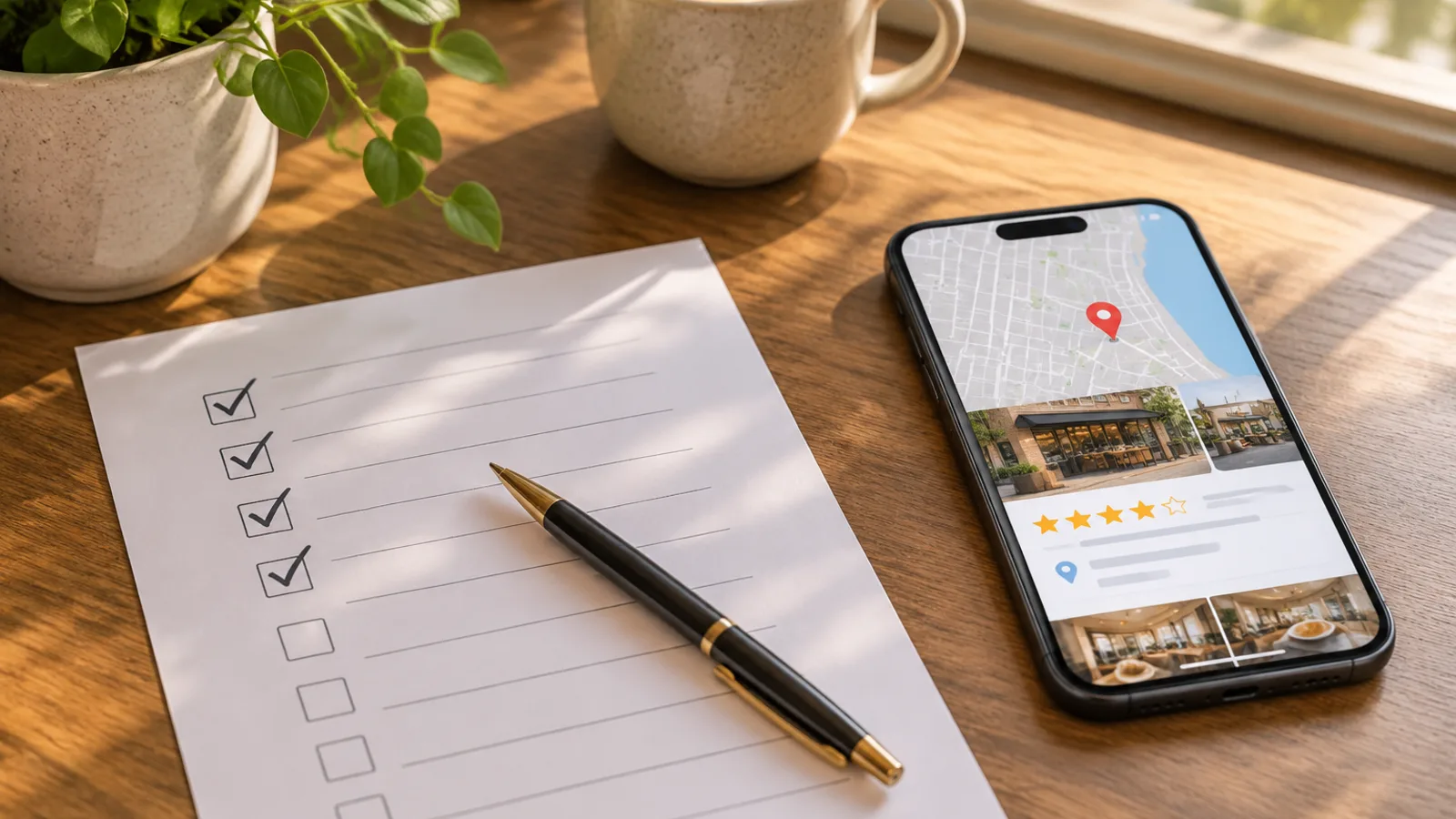
Imagine a potential customer sitting at their kitchen table, phone in hand, typing the exact service you offer into Google — your specialty, your city, the specific problem they need solved. Your business exists. You do that work every day. But your name doesn't appear. Three competitors fill the screen instead, and at least two of them are less experienced than you. That gap almost never comes down to quality. It comes down to whether the internet can read you clearly. That's what this small business SEO checklist is designed to fix: not a technical overhaul, not a full-time job, but a focused set of signals that connect the right people to you — including the growing number who start their search with an AI tool.
Why Search Visibility Outlasts Social Media
Social media reach resets every day. A post lives for a few hours in a feed, then it's gone. A well-structured service page, a completed Google Business Profile, and a steady stream of genuine reviews work while you sleep. They compound over months. They show up at midnight on a Sunday when someone is ready to book.
This isn't an argument against social media. It's an argument for thinking about them differently. Social platforms are great for warmth, personality, and community. Search visibility is infrastructure. The business that posts twice a day but has no service pages and an empty Google profile will consistently lose leads to the quieter competitor who got the foundations right.
The goal here is to build something that works without you constantly feeding it.
Your Website — The Foundation Everything Points To
Many small business websites look fine but rank poorly — not because of design, but because search engines can't parse what the business does, where it operates, or who it's for. These are fixable problems, and most of them don't require a developer.
Title tags and meta descriptions
These are the two lines that appear in a search result: the clickable headline and the short description beneath it. A title tag that says Home | Business Name tells a search engine almost nothing. One that says Bridal Hair and Makeup in Edinburgh | Studio Name tells it everything it needs. Most website builders — Squarespace, Wix, WordPress — give you direct access to these fields in your page settings. Update every page, not just the homepage.
One page per service, not one page for everything
This is the most common and costly mistake. A physiotherapy clinic that lists all its treatments on a single Services page is giving search engines one signal where it could be giving dozens. A dedicated page for sports injury rehab, a separate page for prenatal physiotherapy, a separate page for dry needling — each can rank for a specific search that a combined page never will. Think of each service page as an individual door into your business.
Speed and mobile experience
Google uses page experience as a ranking factor, and the majority of local searches happen on phones. A site that loads slowly or is frustrating to navigate on a small screen loses the ranking and the customer in the same moment. Google PageSpeed Insights gives a free starting diagnosis. The most common fixes are compressing large images and removing plugins or scripts you're no longer using — neither requires a full rebuild.
Clear location signals
Include the city, region, or service area you work in naturally within your page copy, headings, and site footer. The standard to aim for is clarity, not density. Writing "we serve clients across the Greater Toronto Area" reads naturally. Repeating location terms back to back reads like spam and can work against you. Search engines are good at context; they don't need you to shout.
Google Business Profile — Your Most Powerful Free Tool
For most local and service businesses, a significant share of relevant searches result in a map pack — three businesses displayed with ratings, hours, and directions, before any website links appear. Getting into that pack starts with your Google Business Profile.
What "complete" actually means
Claiming the profile is the easy part. Completing it is where most businesses leave ranking on the table. Every field matters: your business name exactly as it appears everywhere else online, your primary and secondary categories, your full address or service area, accurate hours including holiday variations, your website link, and your phone number. Missing fields are ranking disadvantages. A hair salon that leaves the services section empty is letting a competitor claim that visibility by default.
Photos, posts, and responses
Google rewards active profiles. That doesn't mean posting daily — it means consistent, genuine activity: new photos added regularly, responses to every review, hours updated before a public holiday, and occasional use of the Posts feature to highlight a new service or seasonal offer. These signals tell Google the business is real, current, and engaged.
When it comes to responding to reviews, the purpose isn't hidden keyword placement — it's conversion. When a prospective client reads through your profile and sees a business owner responding warmly, promptly, and professionally to both praise and complaints, hesitation drops. That response is public-facing content, and it does its best work when it sounds like a real person wrote it.
Categories matter more than most people realise
Your primary category is the most important single ranking signal in your profile. A marketing consultant who selects Advertising Agency as their primary category will rank for different searches than one who selects Marketing Consultant. It's worth looking at how competitors with strong local rankings have categorised themselves — not to copy them, but to understand how the taxonomy maps to real search behaviour.
Reviews — The Trust Signal Both Search Engines and People Read
Reviews affect ranking and conversion simultaneously. A business with a higher volume of recent, genuine reviews will typically outrank an equivalent business with fewer. And a potential customer who lands on your profile will make a decision partly based on what others have said.
How and when to ask
The best moment is immediately after a genuinely positive interaction — a completed project, a good appointment, a problem you just solved. A direct link to your review form removes the friction. A simple, warm message works better than a long ask: thank the person for their time, tell them an honest review would mean a lot, and give them the link.
One important boundary: never offer discounts, gifts, or incentives in exchange for reviews, and avoid any system that routes negative feedback away from public platforms while only prompting happy customers to leave a review. Both practices violate platform terms of service and consumer protection regulations across the US, UK, Canada, and Australia.
Responding to every review
A response to a negative review is public — not a private exchange but a signal to every future reader. The tone that works is calm, specific, and solution-focused. Acknowledge the experience, explain what you've done or will do, and invite the person to get in touch directly. What doesn't work: defensiveness, over-apologising, or anything that sounds like a legal disclaimer.
Consistency across platforms
Google reviews carry the most weight for local search rankings, but reviews on other platforms — Trustpilot, Yelp, Houzz for interiors, Healthgrades for health practitioners — build a broader picture of authority. Start with Google, then pick one or two platforms that are genuinely relevant to your industry and focus there.
Service Pages That Convert as Well as They Rank
A service page has two jobs: rank for a relevant search and persuade the person who arrives to get in touch. Many small business pages do neither because they're vague — a paragraph of general description, a photo, and a contact button. That's not enough for a search engine or a customer who is comparing their options.
What belongs on a service page
Describe the specific problem the service solves and who it's for. Walk through what the process looks like. Address pricing honestly — a realistic range or a starting-from figure is more useful than "contact us for a quote," which often reads as a reason to move on. Add a clear call to action. The structure that works is roughly: here's the problem, here's how we approach it, here's what you can expect, here's how to get started.
The FAQ section as an SEO asset
Adding a genuine FAQ to each service page — real questions clients actually ask, answered honestly — accomplishes two things at once. It captures long-tail searches that a single page title never would: "how long does X take," "is X right for someone who has never tried Y." And it increases the likelihood of appearing in AI-generated search answers, which tend to pull from clearly structured, authoritative content. Write the questions the way a real person would ask them, and answer them directly.
AI Search — What It Means for Your Business Right Now
AI-generated search results — Google's AI Overviews, answers from tools like Perplexity or ChatGPT when browsing is enabled — are real, growing, and genuinely changing how some people find businesses. But they haven't replaced traditional search, and the two audiences overlap considerably. The mistake would be to treat "AI SEO" as a separate discipline requiring a separate strategy.
AI tools surface answers from the same high-trust sources that Google already ranks highly: authoritative pages, clearly structured content, well-reviewed businesses, and consistent local signals. A business with a well-maintained Google Business Profile, genuine reviews, and clear service pages is already doing most of what it takes to appear in AI-generated answers — especially for local or specific service queries.
The main additional lever is consistency. If your business name, address, phone number, and service descriptions vary across your website, your Google profile, and your directory listings, you create ambiguity. AI tools, like search engines, favour sources they can verify easily. Consistent, accurate information across the web is what makes you a reliable source worth citing.
One technical note worth acting on: if your website builder — Squarespace, Shopify, WordPress — offers a setting for "Local Business Schema" or "Structured Data," turn it on. This is simply a layer of code that labels your address, opening hours, and service categories in a standard format that both search engines and AI crawlers can read without ambiguity. It takes about two minutes to enable and requires no technical knowledge.
The Small Business SEO Checklist
Use this as a working document, not a single sitting exercise. It's structured by time commitment so you can make real progress without clearing your calendar.
Phase 1: The One-Hour Sprint
- Claim and verify your Google Business Profile if you haven't already
- Check that your primary business category is accurate
- Fill in every empty field on your profile: hours, address or service area, website, phone number
- Generate a direct link to your Google review form and save it somewhere accessible
- Send that link to the last three clients who had a positive experience
Phase 2: The Weekend Audit
- Write a unique, descriptive title tag for every page on your website
- Write a compelling meta description for every page
- Create a separate page for each distinct service you offer
- Add a problem, process, pricing, and call-to-action structure to each service page
- Include your location naturally in page headings, body copy, and site footer
- Run your site through Google PageSpeed Insights and address the top two issues
- Check that your site works clearly on a phone screen
- Enable Local Business Schema or Structured Data in your website platform settings if available
- Add a genuine FAQ section to your most important service pages
Phase 3: Monthly Maintenance
- Add at least one new photo to your Google Business Profile
- Respond to any unanswered reviews — positive and negative
- Update your hours ahead of any public holidays
- Check that your business name, address, and phone number match exactly across your website, Google profile, and any directory listings
- Update outdated listings on relevant directories for your sector
- Use the Posts feature on your Google profile to flag a new service, seasonal offer, or useful update
Frequently Asked Questions
How long does it realistically take to see results from SEO?
For local and service businesses, meaningful changes in visibility typically take anywhere from a few weeks to several months, depending on how competitive your market is and how much groundwork you're laying. Google Business Profile improvements and review accumulation often show results faster than website ranking changes. A three-to-six month horizon for website changes is realistic — which is precisely why starting this week matters.
Do I need to hire an agency, or can I do this myself?
Everything in this checklist is doable without outside help, particularly if you're comfortable with your website platform and can set aside a few focused hours. Where professional help genuinely pays off is in competitive markets, technical audits for older sites with underlying problems, or if your time is simply better spent running the business. Starting by doing what you can yourself is worthwhile — you'll be a far better-informed client if you do eventually bring someone in.
If I do all this, will my business show up when someone asks an AI tool for a recommendation?
There are no guarantees, and AI tools are still evolving in how they surface local businesses. But the businesses most likely to be cited are those with accurate, consistent information across the web, genuine reviews, and clear service descriptions — which is exactly what this checklist builds toward. The foundation for Google visibility and the foundation for AI visibility are, right now, the same thing.
What's the single highest-priority fix if I only have one hour this week?
Open your Google Business Profile and complete every empty field. Confirm that your primary category accurately describes what you do. Then create a direct link to your review form and send it to the last three clients who had a good experience. That one hour will likely do more for your near-term visibility than any other single action on this list.
Does writing blog posts still matter for a local service business?
It depends on what you're writing. A generic lifestyle blog updated sporadically is unlikely to drive local enquiries. But detailed, honest answers to the questions your clients ask before they book — "how to prepare for your first acupuncture session," "what permitted development rights mean for a loft conversion in your area" — still perform well in both Google and AI search results. You don't need a weekly publishing schedule. You need a handful of well-written, genuinely useful articles that reflect real decisions your clients are trying to make. If that feels manageable, it's worth doing. If it doesn't, the checklist above will move the needle more reliably.
Search visibility isn't about gaming an algorithm. It's about making your business legible — to a person who needs you, to a search engine trying to match them to you, and increasingly to the AI tools that are becoming part of how people explore their options. This small business SEO checklist won't require a team or a large budget to get started. It will require a few focused hours and a commitment to treating your online presence as the working infrastructure it is — something you build once, maintain lightly, and benefit from long after the work is done.






Join the conversation
Sign in — Sign in to join the conversation.