
You need your phone for work emails, family coordination, and staying connected—but it's also why you lie awake scrolling through bad news at midnight and why you can't finish a meal without checking notifications. The standard advice (delete social media! buy a flip phone!) assumes an all-or-nothing approach that doesn't fit real life. Setting healthy phone boundaries for mental health isn't about going off the grid; it's about designing surgical, sustainable limits around when, how, and why you use your device.
Why Generic Screen Time Advice Falls Short
Your phone's weekly screen time report might say you spent 35 hours on your device last week, but that number is nearly useless. It doesn't distinguish between a work video call, a guided meditation app, and two hours of doomscrolling through upsetting news.
The problem isn't duration—it's context. Spending 30 minutes video-calling your sister feels different than spending 30 minutes refreshing your ex's Instagram. One leaves you connected; the other leaves you hollow.
Effective boundaries focus on the quality and timing of phone use rather than raw minutes. A well-placed hour of phone-free time in the evening can do more for your mental health than shaving three hours off your daily total.
Set Phone Boundaries for Mental Health by Category, Not by App
Most people either leave all notifications on or turn them all off in frustration. There's a middle path: keep the notifications that serve you and silence the ones designed to pull you back in.
Turn Off All Speculative Notifications
Speculative notifications exist to create engagement, not to inform you of something that matters. This includes likes, follows, comments on old posts, suggested content, and "someone you may know" alerts. None of these require your attention within the next two hours—or ever.
Go into each app's settings and disable anything that isn't a direct message from a real person or a transactional update you actually need.
Keep Transactional Notifications Only
Transactional notifications tell you something you asked to know: a package has been delivered, your prescription is ready, someone sent you a direct message, or your calendar reminder is alerting you to an upcoming meeting.
These are the notifications worth keeping. They're timely, actionable, and directly relevant to your day.
Use Focus Modes or Do Not Disturb Schedules
Both iOS and Android let you create recurring quiet windows. Set a daily Focus mode for 7–9 PM, or schedule Do Not Disturb for your first hour awake each morning.
During these windows, only calls from your favorites come through. Everything else waits. Most people discover they tolerate a two-hour notification delay far better than they expected—and the world keeps turning.
Design Physical Boundaries That Stick
Digital settings help, but physical boundaries are often more effective because they add friction to mindless reaching.
The "Phone Goes Here at Night" Rule
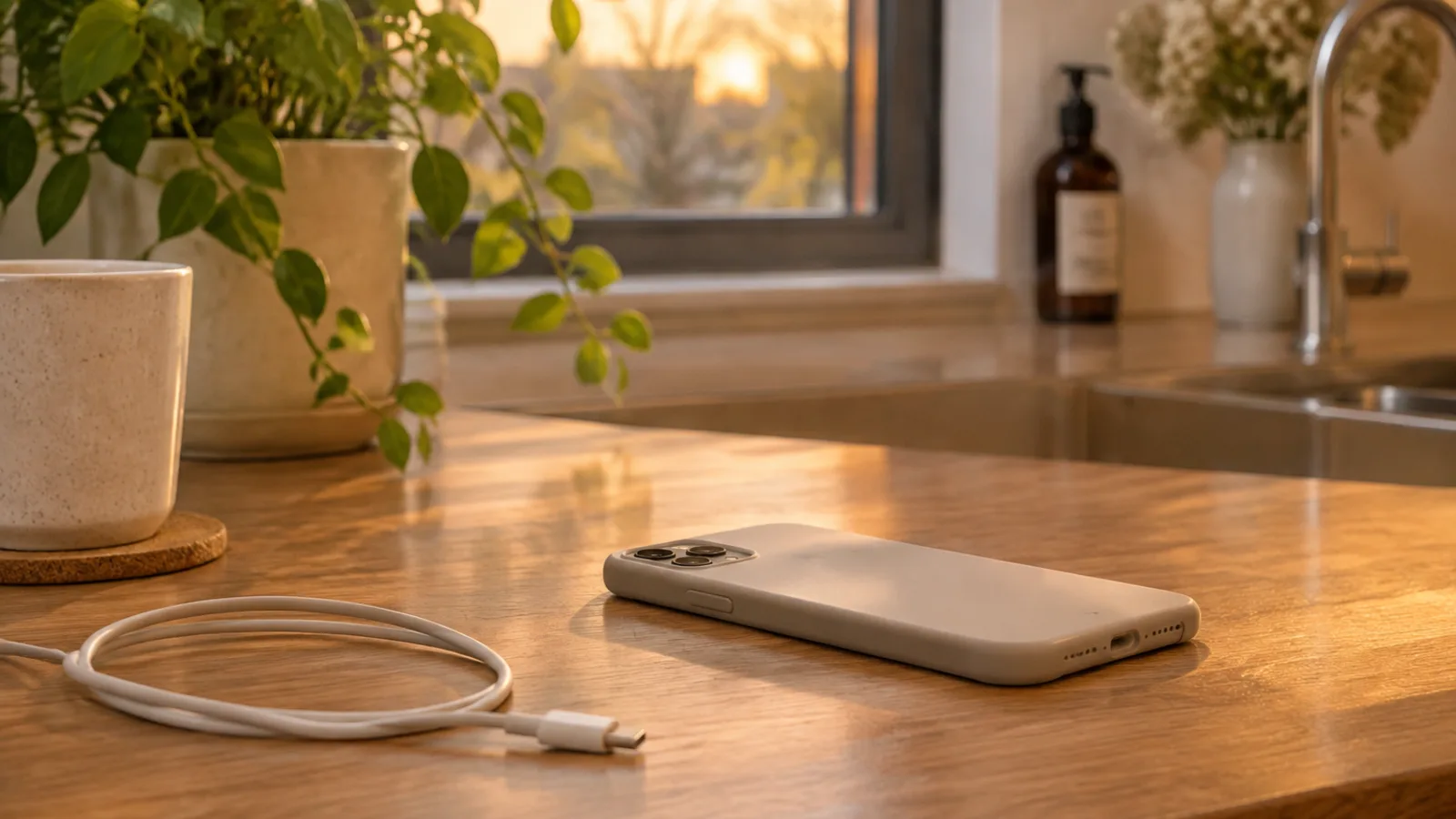
Decide on one charging location that isn't your nightstand. The kitchen counter works well. Your bedroom closet works. A drawer in the hallway works. What doesn't work is keeping it within arm's reach of your bed.
When your phone sleeps in another room, you stop checking it during middle-of-the-night insomnia and you stop scrolling instead of sleeping.
Create Phone-Free Zones
Designate specific spaces or times as phone-free: the dining table during meals, the bedroom after 10 PM, the first hour after you wake up. Physical boundaries like these create automatic guardrails that don't require willpower every single time.
The trade-off: you might miss a text during dinner or feel a small jolt of anxiety the first few times you leave your phone in the kitchen overnight. That discomfort is temporary. The reclaimed attention is permanent.
Use a Separate Alarm Clock
One of the most common excuses for keeping a phone on the nightstand is "I need it for the alarm." A $15 alarm clock solves this and removes the justification for having your phone within reach all night.
If you prefer, a basic fitness tracker or smartwatch can wake you without giving you access to email, news, and social media the moment you open your eyes.
Stop Doomscrolling Without Deleting Apps
Doomscrolling—compulsively reading bad news or upsetting content—isn't really about the app. It's about the reflex. You can interrupt that reflex without a full digital detox.
Identify Your Trigger Moments
Most doomscrolling happens during transition moments: waiting in line, commercial breaks during TV, the few minutes between finishing one task and starting another. Once you notice your patterns, you can interrupt them.
Replace the Reflex
Keep a physical book on your nightstand, a crossword puzzle in your bag, or simply practice sitting with boredom for 30 seconds before reaching for your phone. The goal isn't to fill every empty moment—it's to make the phone your choice rather than your automatic reflex.
Set App Time Limits and Choose What Happens When You Hit Them
Both iOS and Android let you set daily time limits for specific apps. The key is what happens when you hit that limit. Instead of just showing a banner you can dismiss, set the app to log you out or require a password to continue.
This added friction won't stop you if something is genuinely urgent, but it will interrupt the mindless opening that leads to 45-minute scrolling sessions.
Protect Work-Life Boundaries When Your Job Is on Your Phone
If you freelance, manage a team, or work in a job with flexible hours, your work apps live on the same device as everything else. That doesn't mean work gets 24/7 access to your attention.
Separate Work Apps Into a Hidden Folder or Second Profile
On iOS, move work apps into a folder on your last home screen and turn off their badges. On Android, use a separate user profile or work profile that you can pause after hours. Out of sight helps keep work out of mind.
Set an Out-of-Office Auto-Reply for Texts and Slack on Weekends
Even if you're not actually away, an auto-reply sets expectations. "I check messages on weekdays between 9 AM and 6 PM. For urgent matters, please call" trains your colleagues to respect your boundaries.
Practice the 15-Minute Delay Rule
When a work notification arrives after 7 PM, wait 15 minutes before deciding whether it's truly urgent. Most of the time, it can wait until morning. This small delay prevents you from getting pulled into work mode during personal time.
If your job involves genuine emergencies, define what qualifies. A call from your manager about a system outage is an emergency. An email from a colleague asking for input on a project is not. While certain roles genuinely require on-call availability, even high-pressure jobs usually benefit from defining what truly constitutes an after-hours emergency.
Audit What You Actually Consume
The content you let into your feed shapes your mood, your stress level, and your mental space. Curate it like you'd curate your home.
Unfollow, Mute, or Block Accounts That Make You Feel Worse
It doesn't matter if an account is informative, inspirational, or popular. If scrolling past it consistently makes you feel anxious, inadequate, or angry, remove it. Your feed should serve your wellbeing, not your sense of obligation to stay informed about everything.
The One-Week Test
If you haven't opened an app in seven days, delete it. You can always reinstall it later if you genuinely miss it, but most of the time you won't. We collect apps the way we collect junk drawers—unintentionally and without noticing.
Curate Your Feed Like You'd Curate Your Living Room
Ask yourself: would I let this person talk at me for an hour in my living room? If not, why are you letting them do it on your phone?
Build In Check-In Windows Instead of Constant Monitoring
The expectation of constant availability is largely self-imposed. Most things can wait two hours.
Decide on three or four times a day when you'll actively check email, news, or social media. For example: 9 AM, 1 PM, and 5 PM. Between those windows, your phone can be face-down on your desk or in another room entirely.
This isn't about missing something urgent—genuinely urgent news finds you. It's about training yourself out of the belief that everything requires a 30-second response time.
When You Need Your Phone Available but Not Intrusive
Sometimes you need to keep your phone nearby but don't want it constantly pulling your attention. A few small changes can make your device less seductive without turning it off entirely.
Use grayscale mode to make scrolling less visually appealing. The colorful dopamine hits of social media lose much of their pull when everything is gray.
Delete apps from your home screen but keep them in your app library. This forces you to search intentionally rather than opening apps out of habit.
Turn off vibration for non-critical apps. You'd be surprised how much ambient stress comes from the constant buzz of low-priority notifications. Your phone can alert you silently, and you'll check it when you're ready.
Frequently Asked Questions
What if I miss something important by turning off notifications?
Most people who implement notification boundaries are surprised to find that nearly everything they worried about missing could actually wait. Genuinely urgent news finds you—someone will call, a friend will text, a colleague will follow up. Everything else can wait two hours. The fear of missing out is almost always larger than the actual consequence.
How do I set boundaries when my family expects me to respond immediately?
Have a direct conversation. Tell them, "I'm checking messages at 9 AM, 1 PM, and 5 PM now. If something is urgent, call me instead of texting." Most family members adjust within a week once they understand the new system. If they don't respect the boundary, that's a separate conversation about respect, not about your phone.
Is it okay to have different boundaries on weekends vs. weekdays?
Absolutely. Boundaries aren't binary or permanent. You might have looser limits on Saturday mornings when you enjoy leisurely scrolling with coffee, and stricter ones on Sunday evenings when you're trying to wind down for the week ahead. Different contexts call for different boundaries, and that's completely normal.
What if my job requires me to be reachable around the clock?
Very few jobs truly require round-the-clock availability, but if yours does, define "reachable" narrowly. Phone calls from your direct manager about genuine emergencies qualify. Slack messages from colleagues, emails about routine matters, or non-urgent questions do not. Everything outside that narrow definition can have a boundary without affecting your job performance.
How long does it take before these boundaries feel normal?
Most people report that the first three days feel uncomfortable, like something is missing. The first week feels effortful—you have to consciously remember your new boundaries. By week three, the boundaries become automatic. The key is not changing ten things at once. Pick two boundaries from this article, let them settle into your routine, then add another if you want to.
Setting phone boundaries for mental health isn't about perfection or deprivation. It's about designing a relationship with your device that serves your actual life instead of stealing from it. Start with one small boundary this week—maybe a charging station that isn't your nightstand, or turning off speculative notifications. You don't need to go off the grid to get your attention back.






Join the conversation
Sign in — Sign in to join the conversation.